Skip to content

Church websites from $39 a month

A church website that’s easy to find and easy to use

Modern designs with your service times, sermons, events and a plan-a-visit button built in. Build it yourself, or let us move your current site for you.

A couple walking into church together
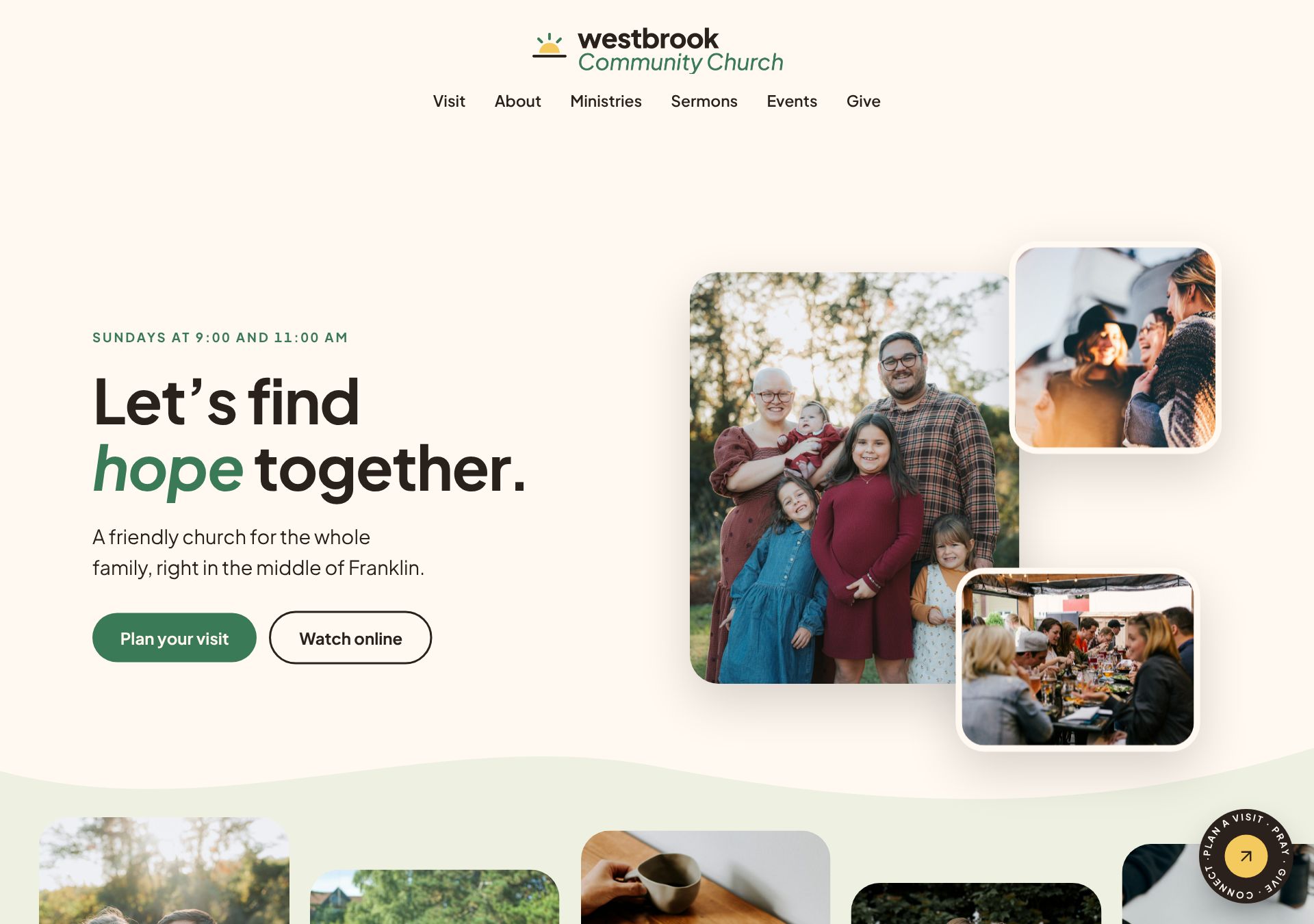
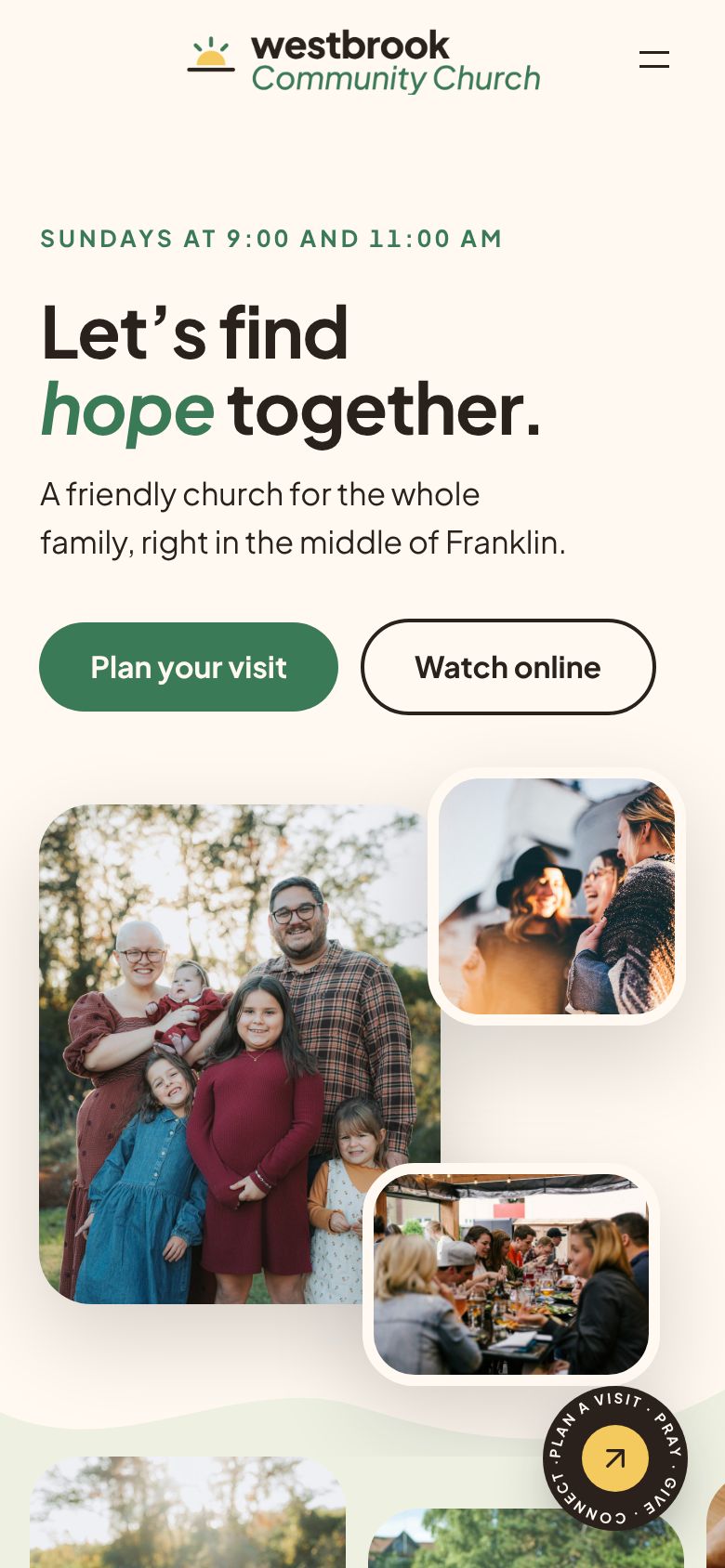
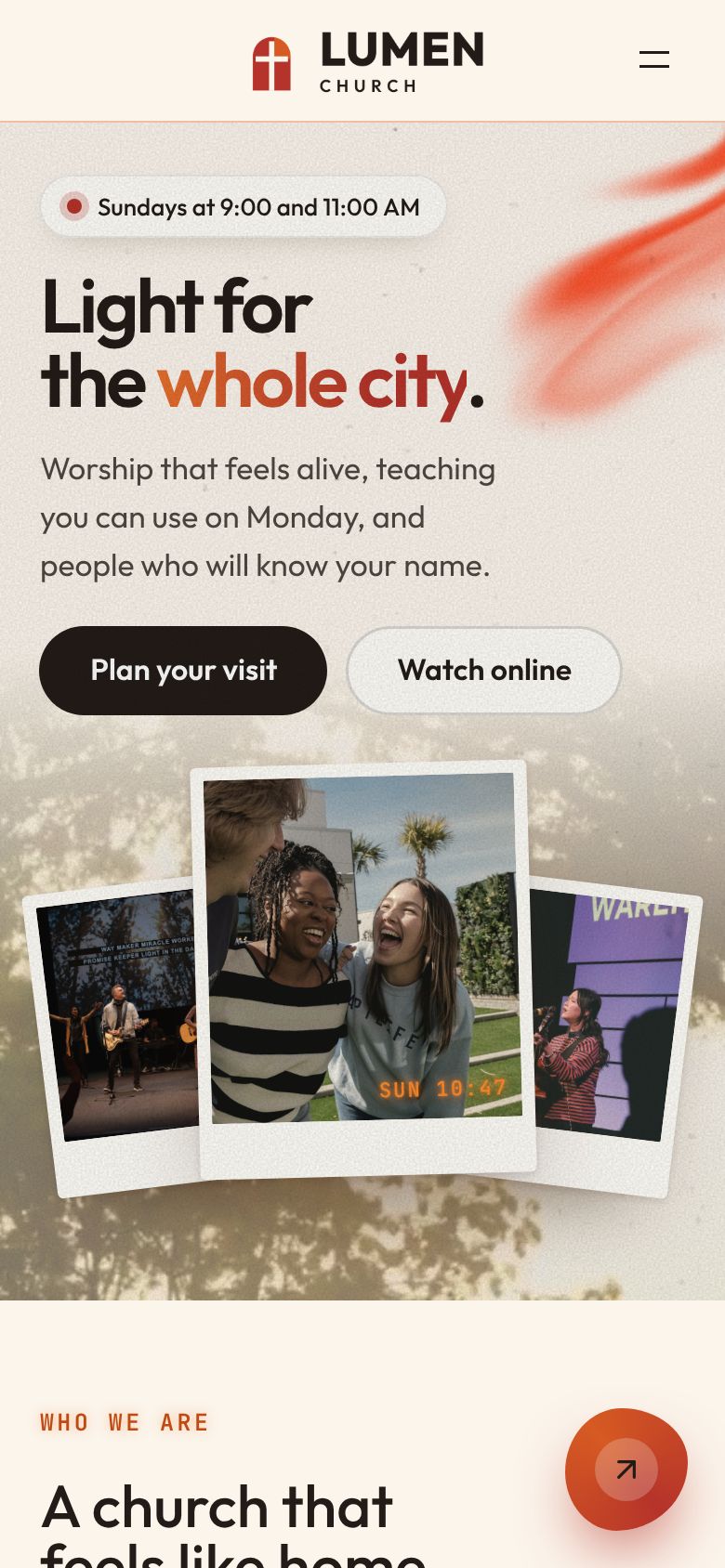
The Daybreak design on a sample church website
  • Service times on the first screen
  • Sermons that post themselves from YouTube
  • A plan-a-visit form on every site
  • Events from the calendar you already keep
  • Keep your giving service
  • One inbox for every form
  • Up to six staff logins
  • Your own web address with the secure padlock
  • Nightly backups
  • Help on every screen

From a search to a seat

Step one

They find you, and the answers are right there

Service times, your address and a plan-a-visit button sit on the first screen, so a guest gets what they came for the moment the page opens.

Step two

A first look that feels like your church

Photos of your people, when to come and where to park, and last Sunday’s message one tap away.

Step three

You know who’s coming before Sunday

Guests plan a visit in a few taps. Their details arrive in your inbox and by email, so someone can welcome them at the door.

Try it right here

Change this page the way your staff will

Click the headline and type your church’s name. Click the photo to swap it, and pick a color. On your real site, editing works just like this.

Main color

Editing · Home page
Grace Community ChurchVisitAboutSermonsPlan a visit

Sundays at 9:00 and 11:00 AM

Welcome home to Grace Community Church

A friendly church for the whole family. Come as you are this Sunday.

Plan your visit

Everything a guest looks for, built in

Several of these keep themselves up to date. The rest take a minute in plain fields.

Sermons

Sunday’s message posts itself

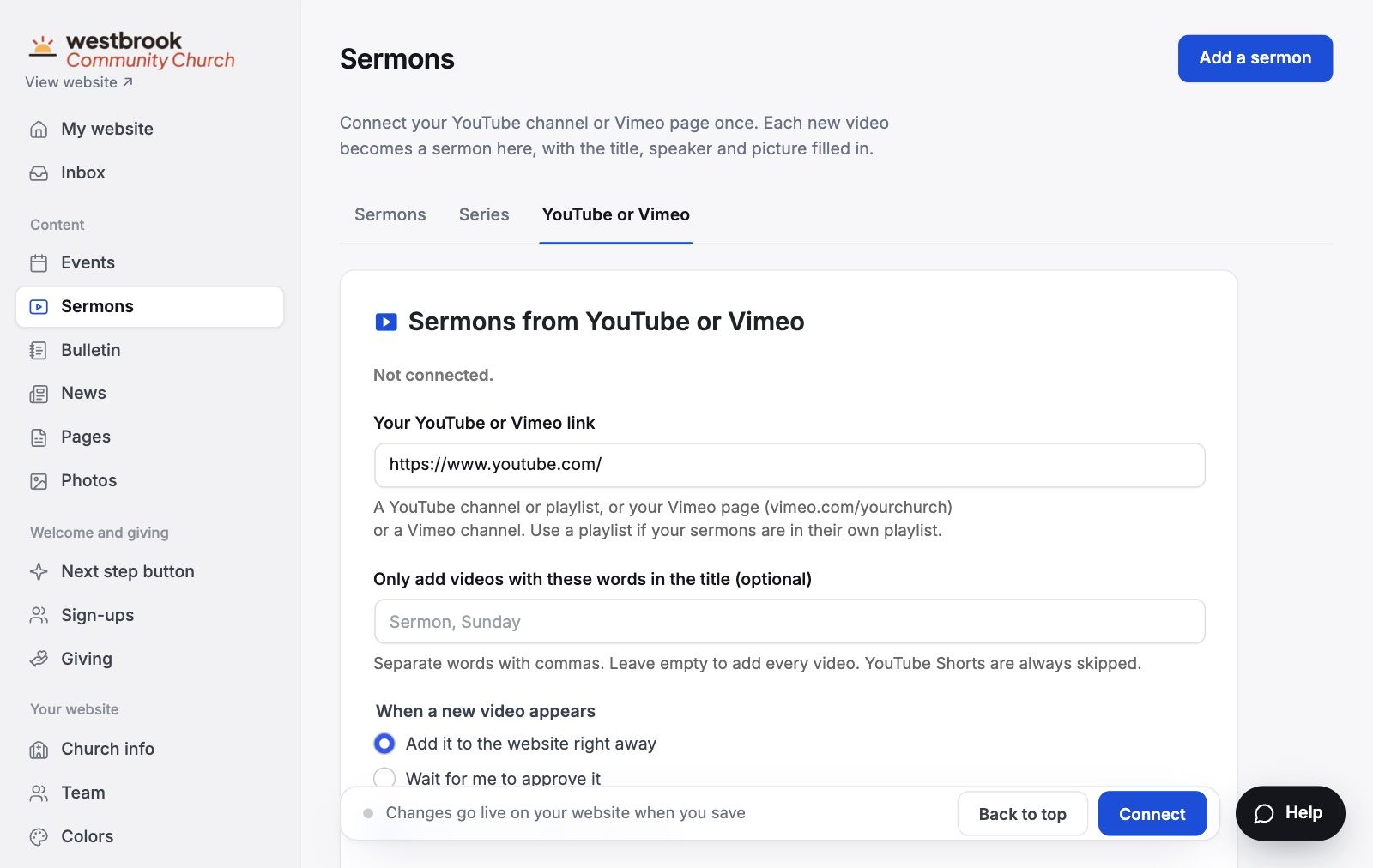
Connect your YouTube channel once. Each new message lands in your sermon library with its title, speaker and picture, and your home page shows the latest one.

This Sunday

9:00
& 10:45

Your service times sit on the first screen of every design, so nobody has to hunt.

Plan a visit

Guests tell you they’re coming

  • The Parker familySun 10:45
  • Dana R.Sun 9:00
  • The NguyensSun 10:45

Guests get a confirmation and a reminder by email, and the visit lands in your inbox.

Friends talking over coffee after church

Events

Fall potluck, Sunday 12:15Events come in from Planning Center, Google, Outlook or Apple, the calendar you already keep.

One inbox

Every form lands in one place

Each one also arrives by email, so nothing waits for someone to log in.

The giving screen, with a list of giving services to pick from

Giving

Keep the giving service you use now

Tithely, Planning Center, Pushpay, Subsplash and more. Pick yours and paste one link.

Your own address

Keep the web address you already have

We only change where the website lives, so your email keeps working. The secure padlock in the address bar comes included.

westbrookchurch.org

Step-by-step help for
  • GoDaddy
  • Squarespace
  • Namecheap
  • Google
  • Cloudflare

For your staff

If you can fill out a form, you can run this site

No page builder to learn and nothing to install. Every screen is written in plain words, with a short guide right where you need it.

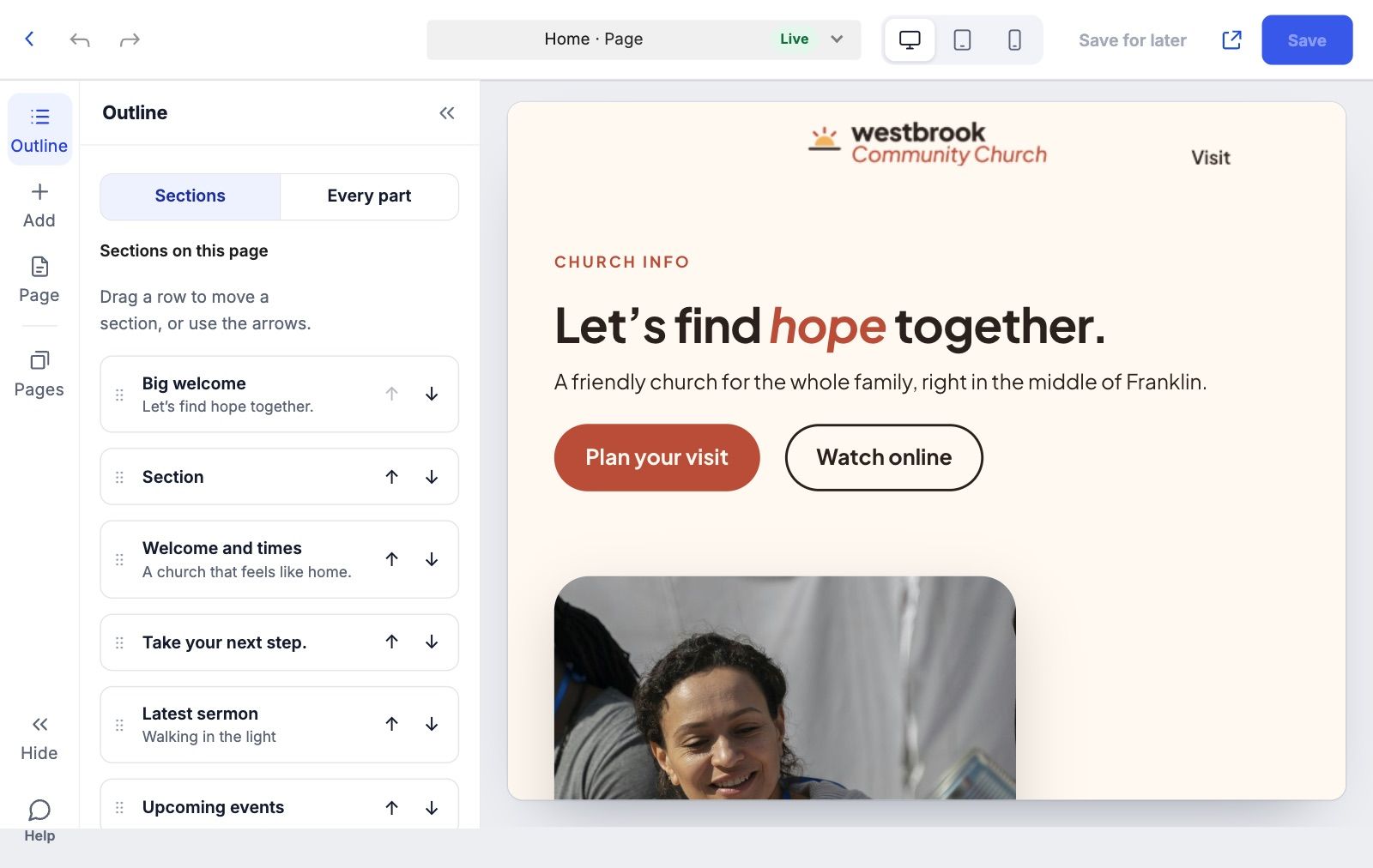
Click a headline or photo on the page itself and change it. What you see is what goes live.

The edit any page screen

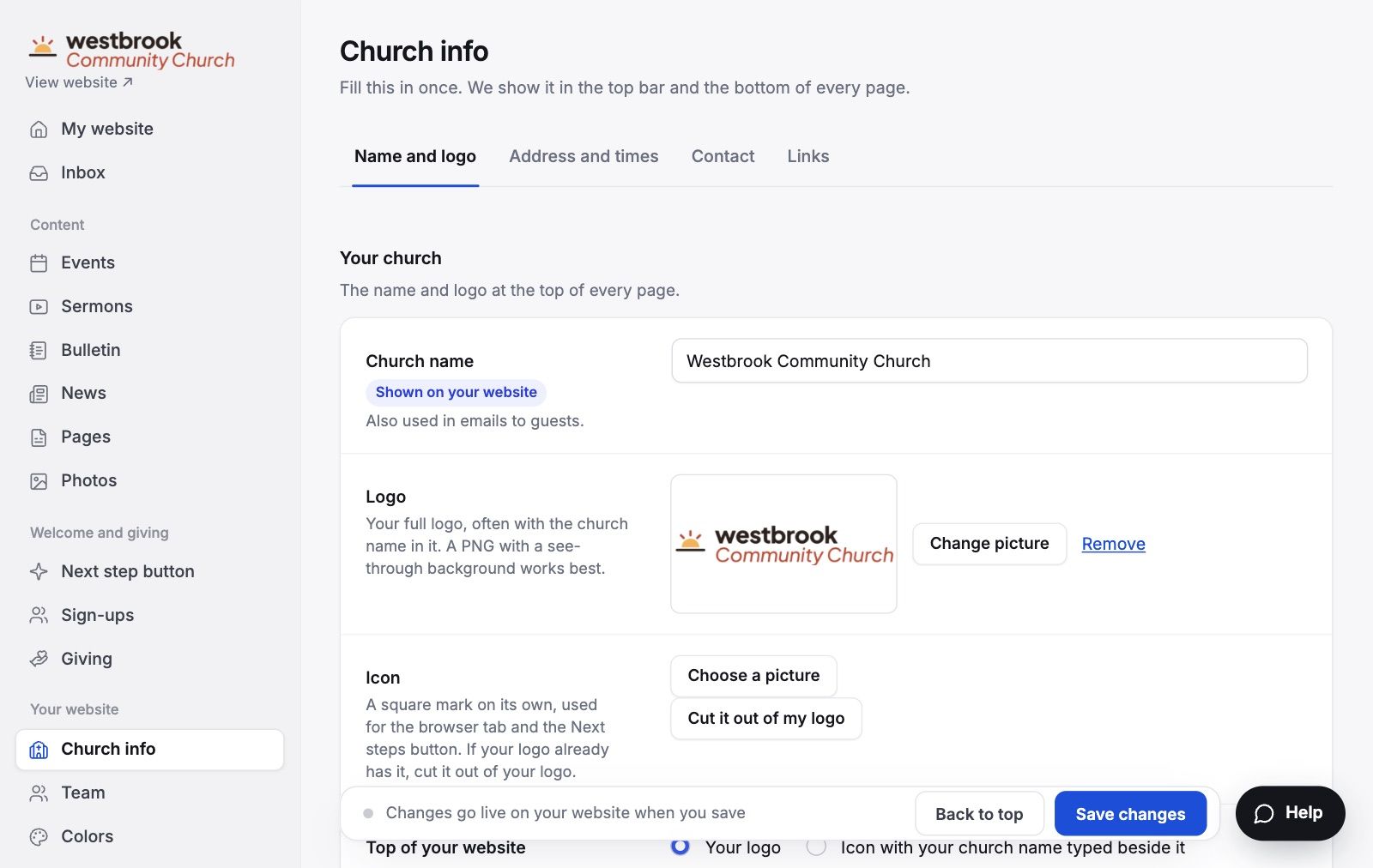
Type your service times, address and logo once. Every page that shows them updates together.

The church info in one place screen

Connect your channel once. Each new message shows up with its title, speaker and picture.

The sermons from youtube screen

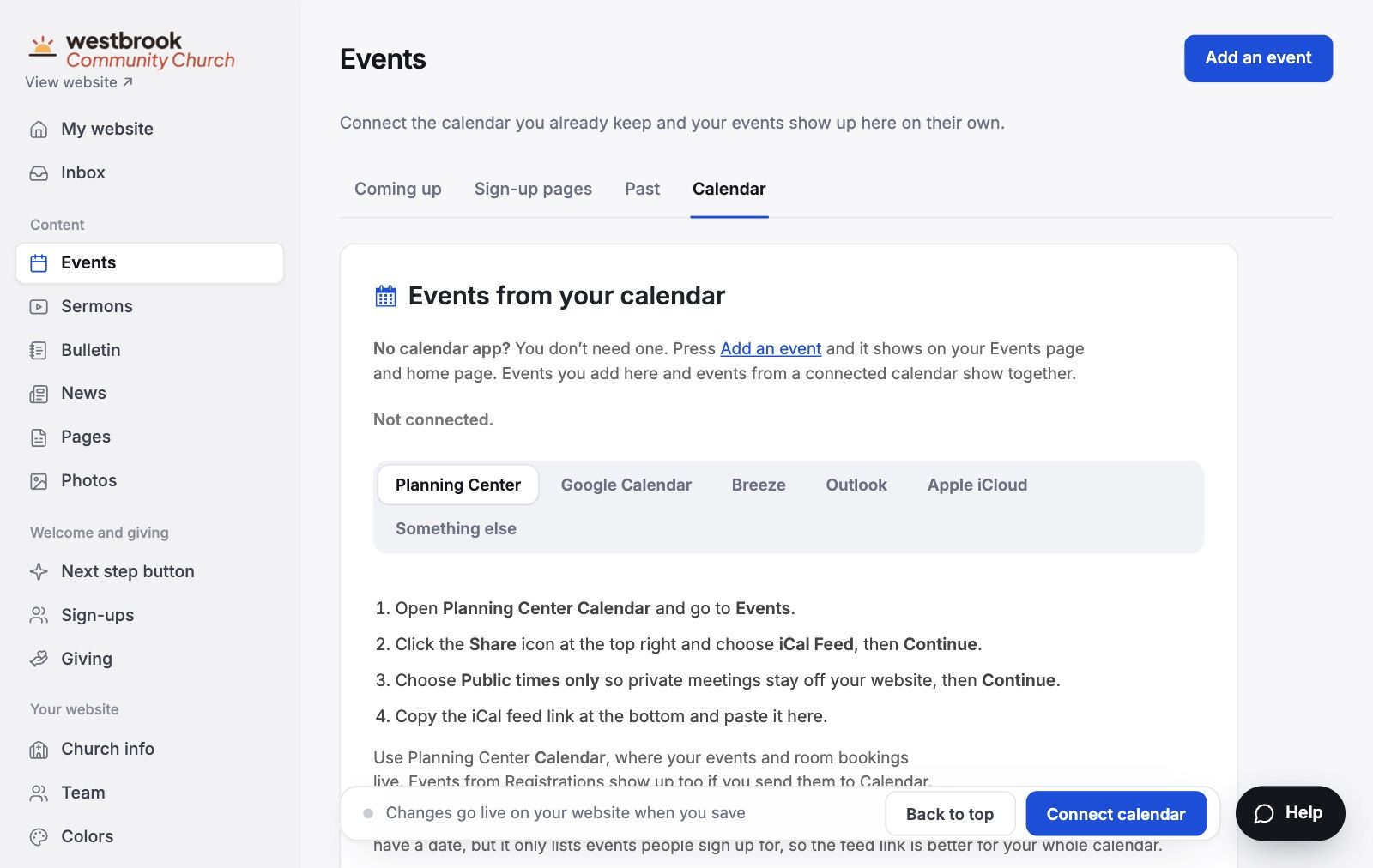
Planning Center, Google, Outlook or Apple. Events you already keep show up on their own.

The events from your calendar screen

Pick the service you use now and paste one link. Your Give page is ready.

The keep your giving service screen

A design for every kind of church

Every design includes every feature, and you can switch later without losing your content.

See all 19 designs
Daybreak design on a computer
Daybreak design on a phone
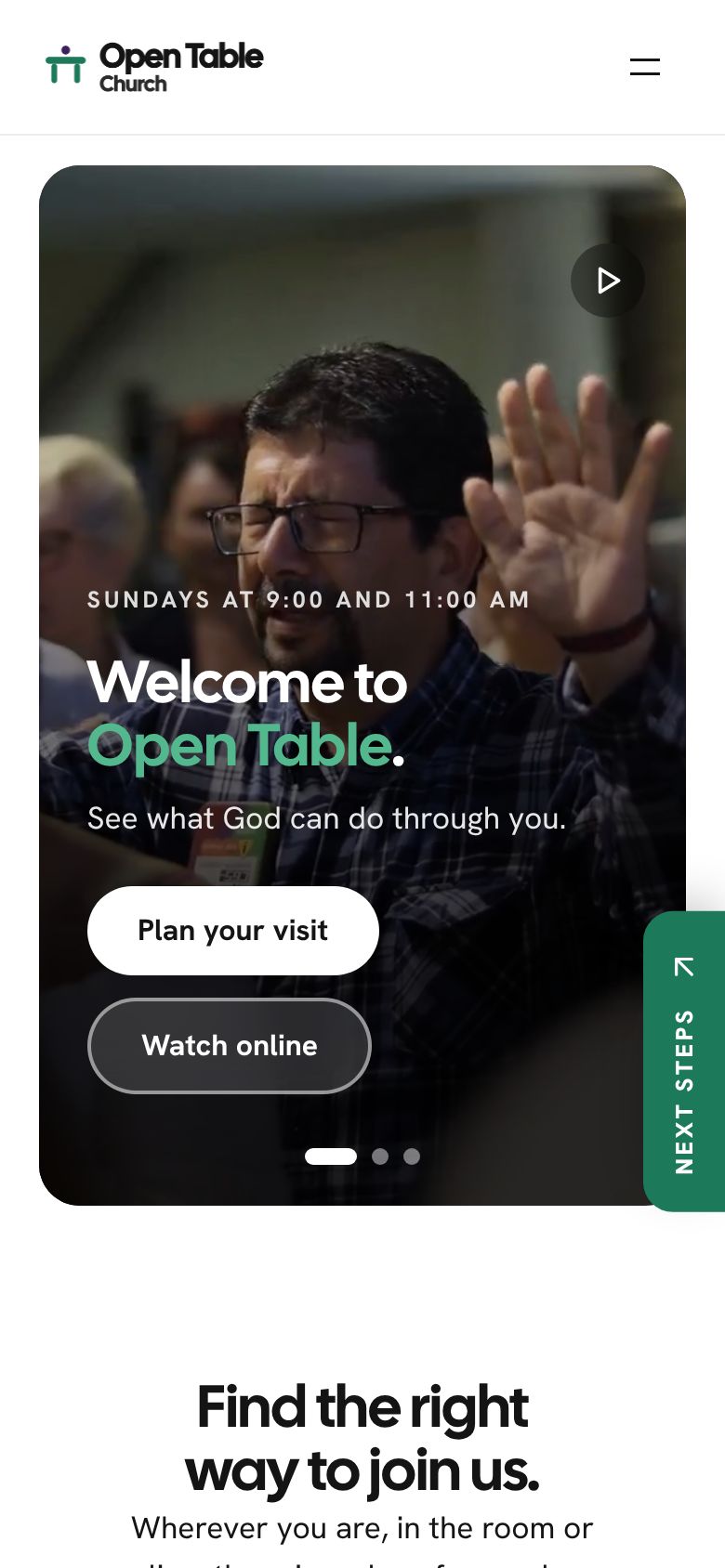
Open the Daybreak sample
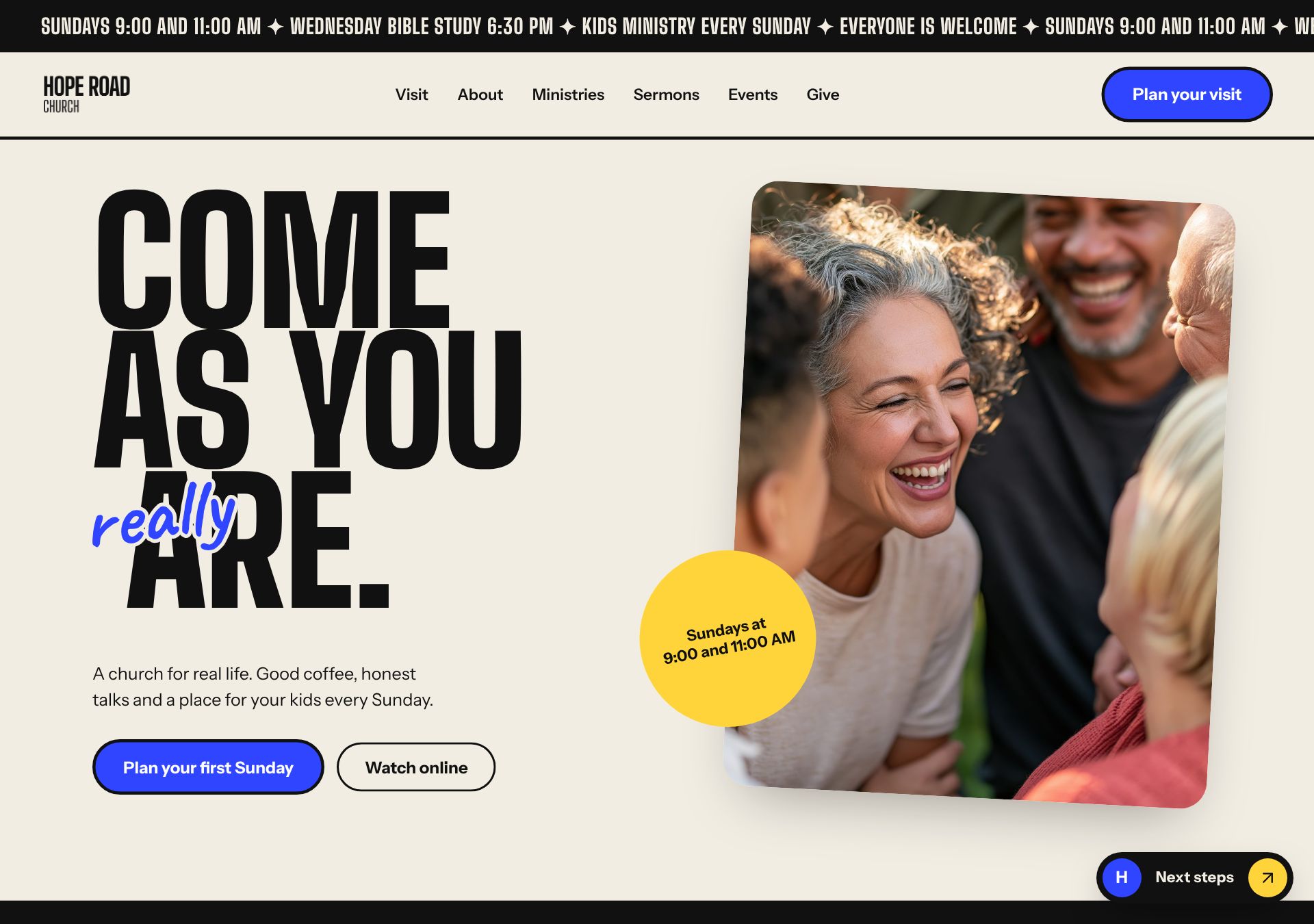
Poster design on a computer
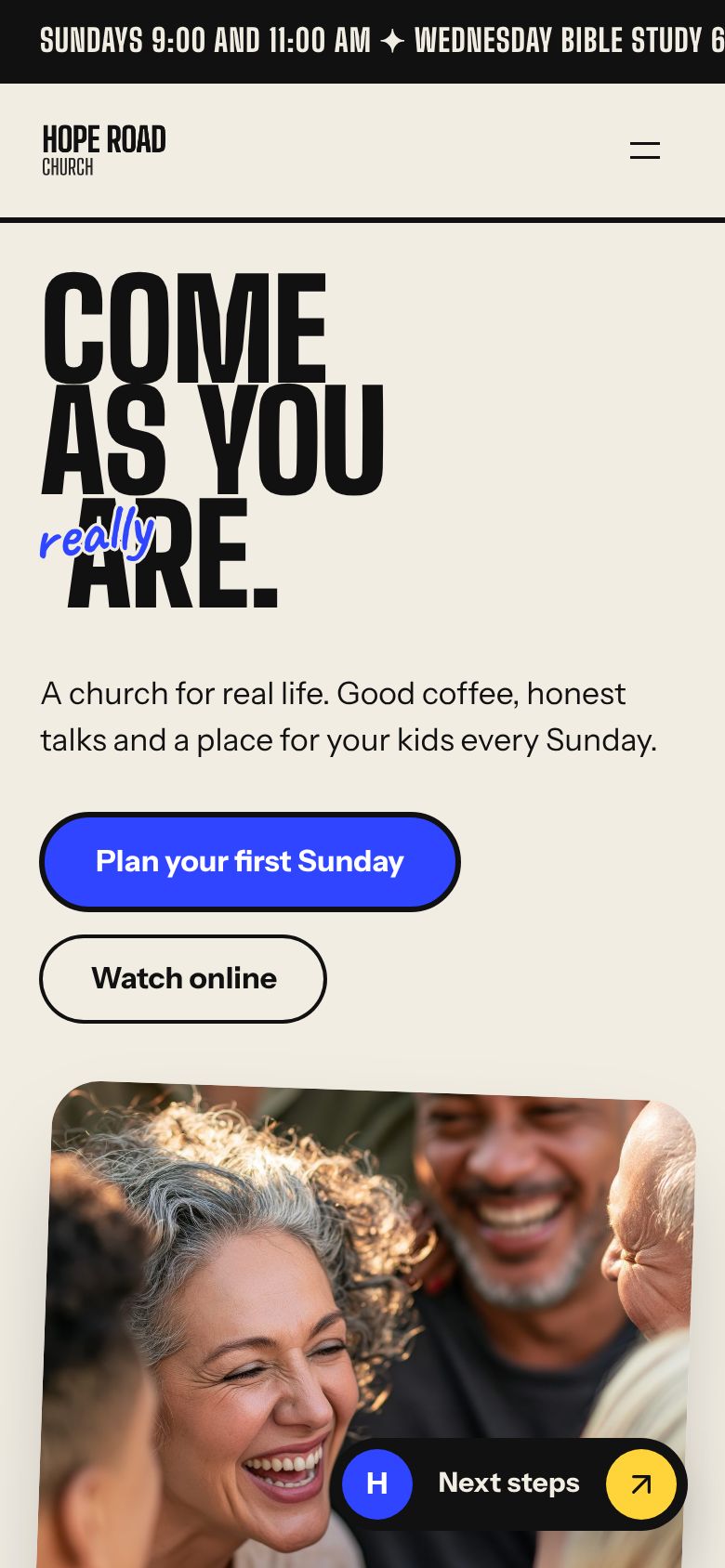
Poster design on a phone
Open the Poster sample
Glow design on a computer
Glow design on a phone
Open the Glow sample
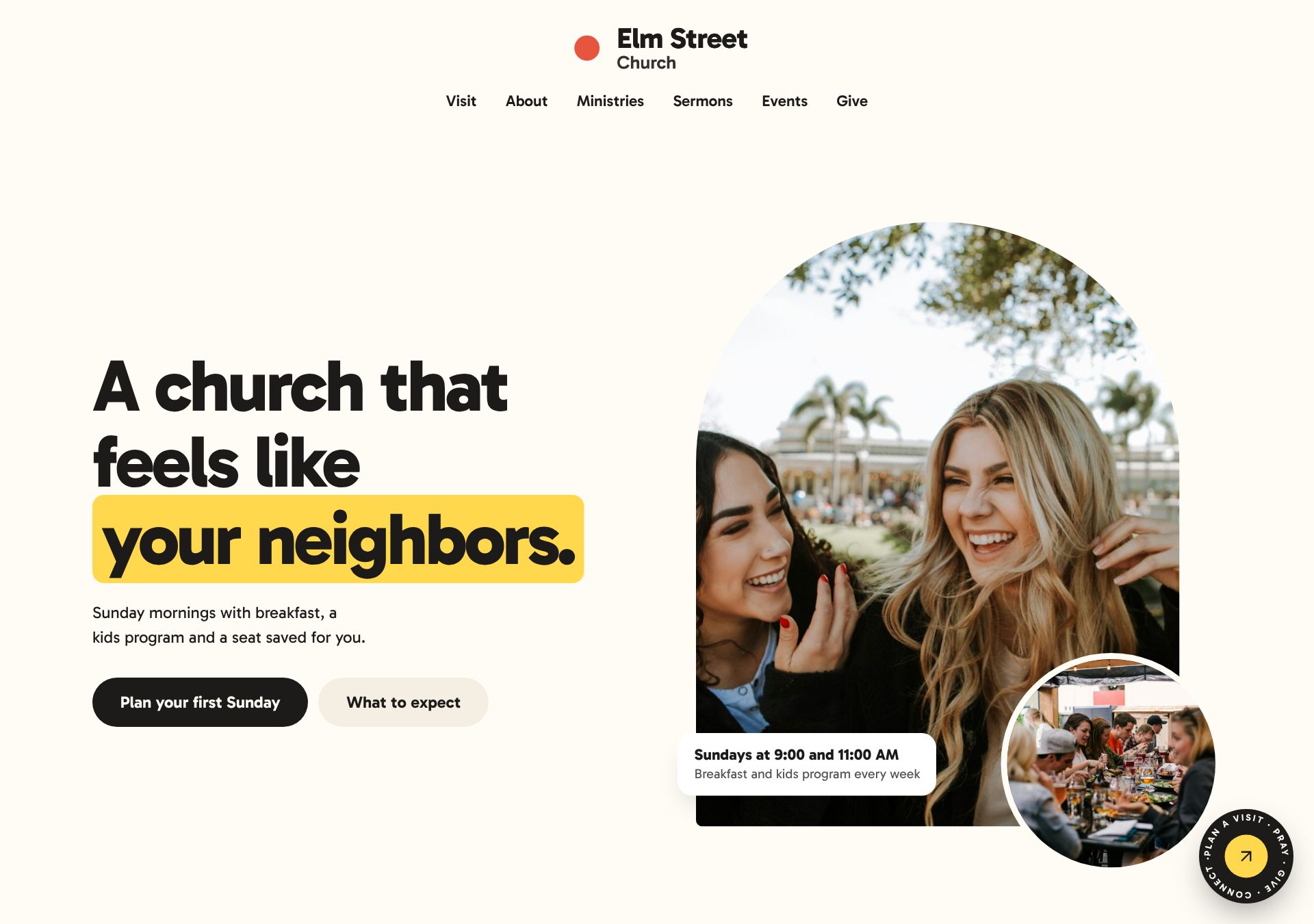
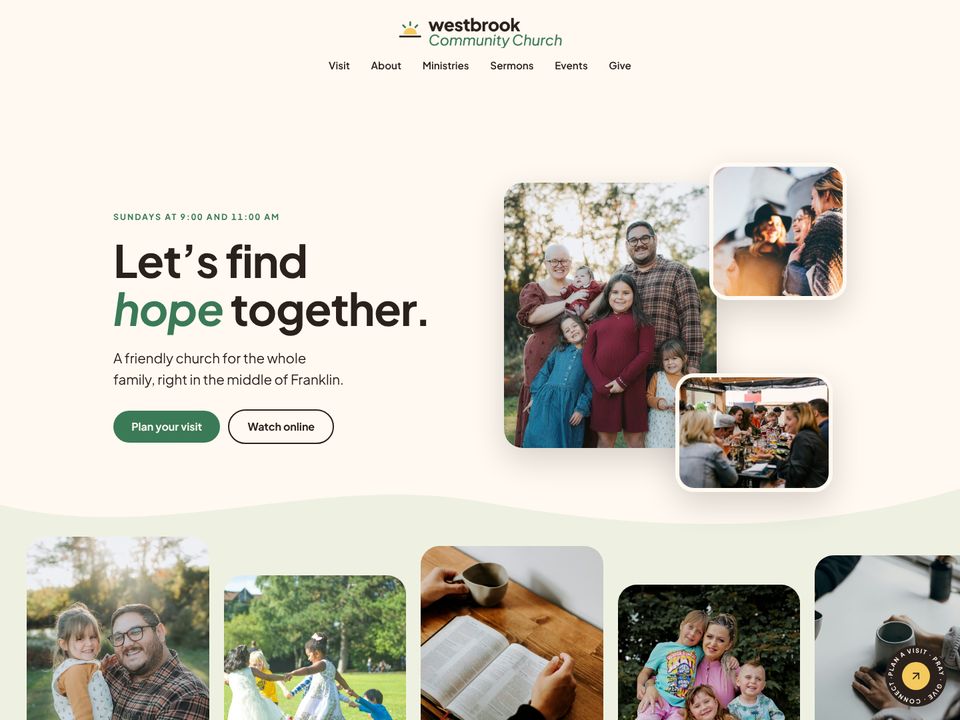
Neighbor design on a computer
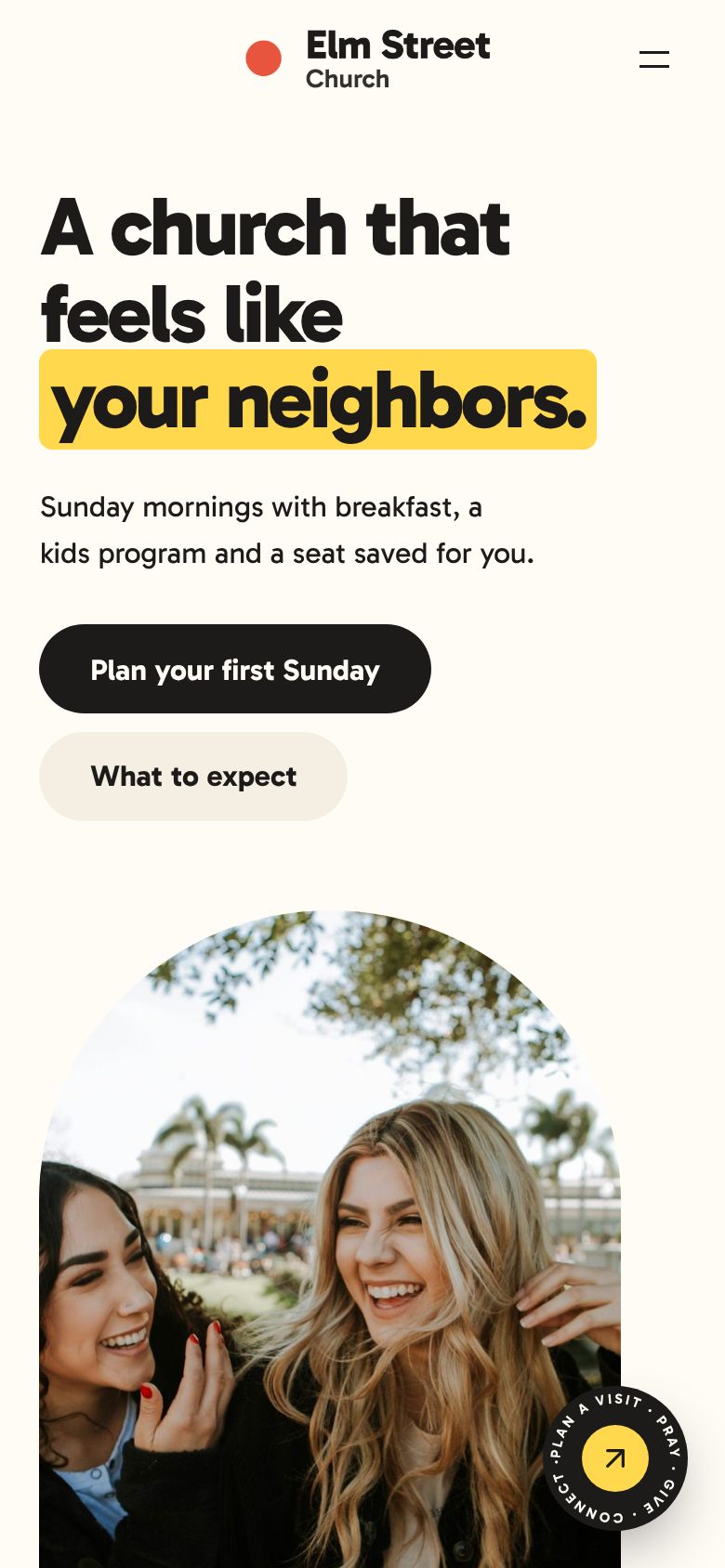
Neighbor design on a phone
Open the Neighbor sample
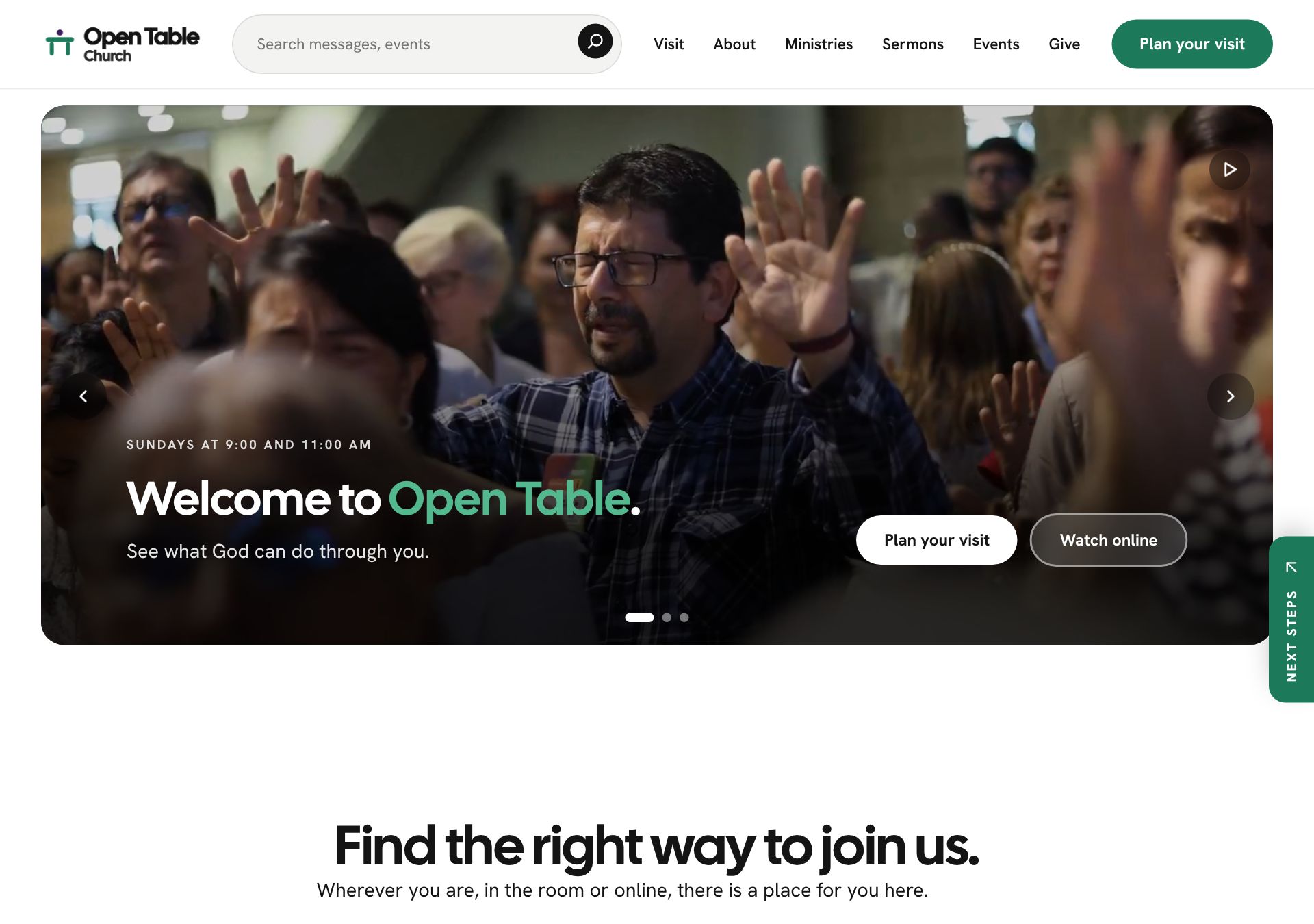
Channel design on a computer
Channel design on a phone
Open the Channel sample
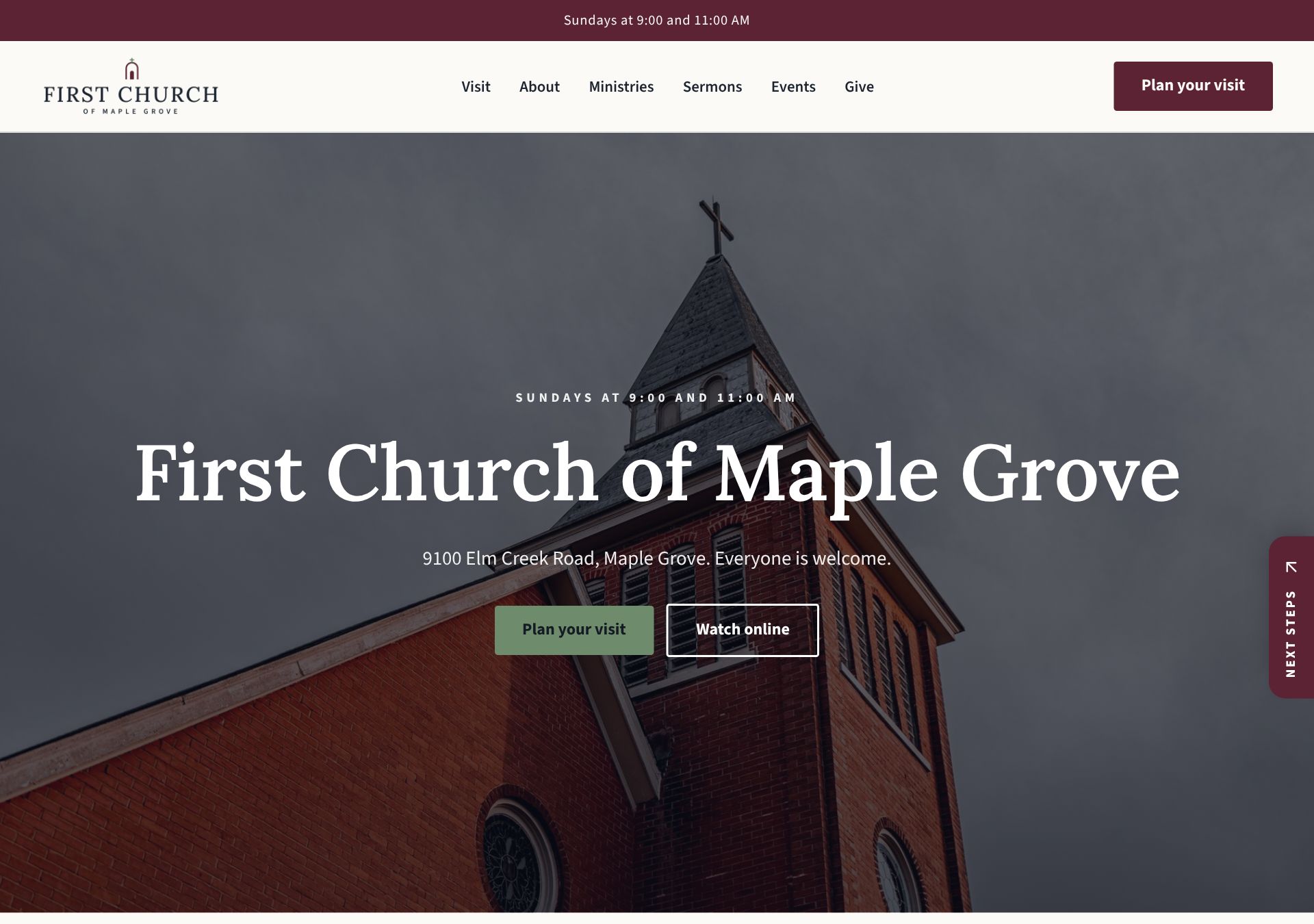
Heritage design on a computer
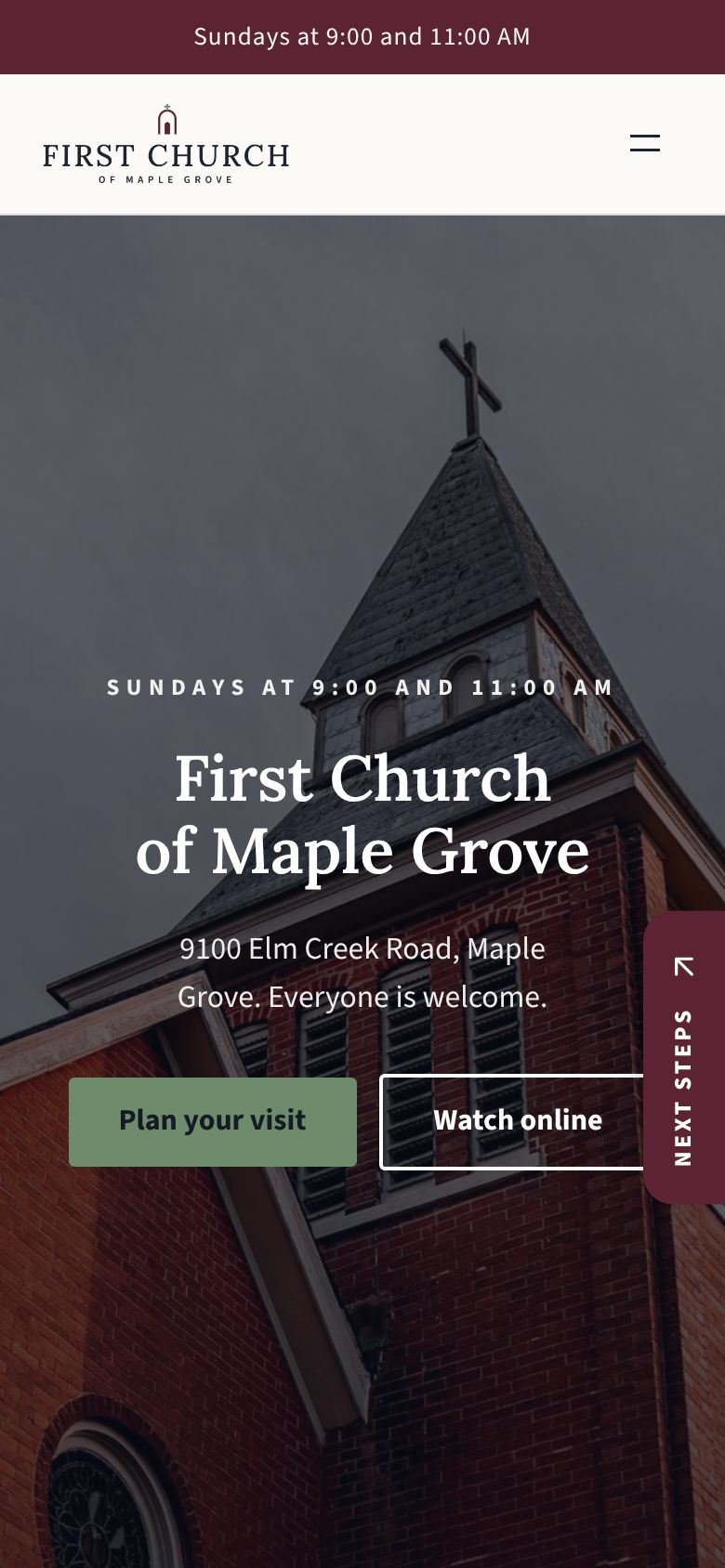
Heritage design on a phone
Open the Heritage sample
See all 19 designs

Made by people who build church websites

We have built and cared for more than fifty church websites, and we know most are kept up by a pastor, a volunteer or an office manager with ten other jobs. SundayFront was made for them.

One plan, two ways to start

Hosting, security, updates and every feature are included either way.

Build it yourself

$39a month

Pick a design, answer a few plain questions and publish when it looks right. No contract, cancel any time.

Start for $39 a month

Your first ten minutes

  1. 1
    Pick a designEvery design works for every church size, and you can switch later.
  2. 2
    Answer a few questionsName, logo, service times, address. Skip anything and come back to it.
  3. 3
    Press PublishNobody sees your site until you are ready.

We move it for you

$399a year

Tell us your current web address. We bring your logo, colors, service times, staff, ministries and photos into the design you chose.

Start for $399 a year

What happens after you sign up

  1. 1
    TodayWe start reading your current site the minute you sign up.
  2. 2
    Within 5 to 7 daysYou get an email with a preview of your new site to look over.
  3. 3
    When you approveIt goes live. Ask for changes first if you like, and we make them.

Both plans include

  • Every design and featureSermons, events, plan a visit, giving and sign-ups.
  • Hosting and nightly backupsUpdates and security handled for you.
  • The secure padlockOn your own address or a free sundayfront.com one.
  • Six staff loginsVolunteers get their own, no shared password.
  • Help from a personA guide on every screen and a Help button.
  • Your content is yoursDownload a copy whenever you want it.

Questions churches ask

Something we did not cover? Email hello@sundayfront.com and a person will write back.

How soon will our site be ready?

If you build it yourself, your site is ready the moment you sign up, and the basics take about 10 minutes. If we move your site, you get a preview by email within 5 to 7 days.

What do you bring over when you move our site?

Your logo, colors, service times, address, phone and email, social links, giving link, staff, ministries, your story and your best photos. If something is missing, reply to our email and we will add it.

Does anything change on our current website while you work?

No. Your current website stays exactly as it is until you approve the new one.

Can we keep our web address?

Yes. When your new site is ready, your dashboard shows the two settings to change where you bought the address, with steps for GoDaddy, Squarespace, Namecheap, Cloudflare and others. We turn on the secure padlock from there.

Will our email keep working?

Yes. We only change where the website lives, never your email.

Who updates the site after it is live?

You and your team, and the screens are made for that. Changing the Sunday photo is a click. Sermons and events can update themselves from YouTube and your calendar.

Can we switch designs later?

Yes. Ask from your dashboard and we move your content into the new design for you.

Is there a contract?

The monthly plan has no contract, so you can cancel any time. The yearly plan is paid once a year, and you can turn off the renewal whenever you like.

Do we own our content?

Yes. Download a copy of your pages, sermons, events and photos any time from your dashboard.

See your church in a new design this week

Move my siteStart for $39